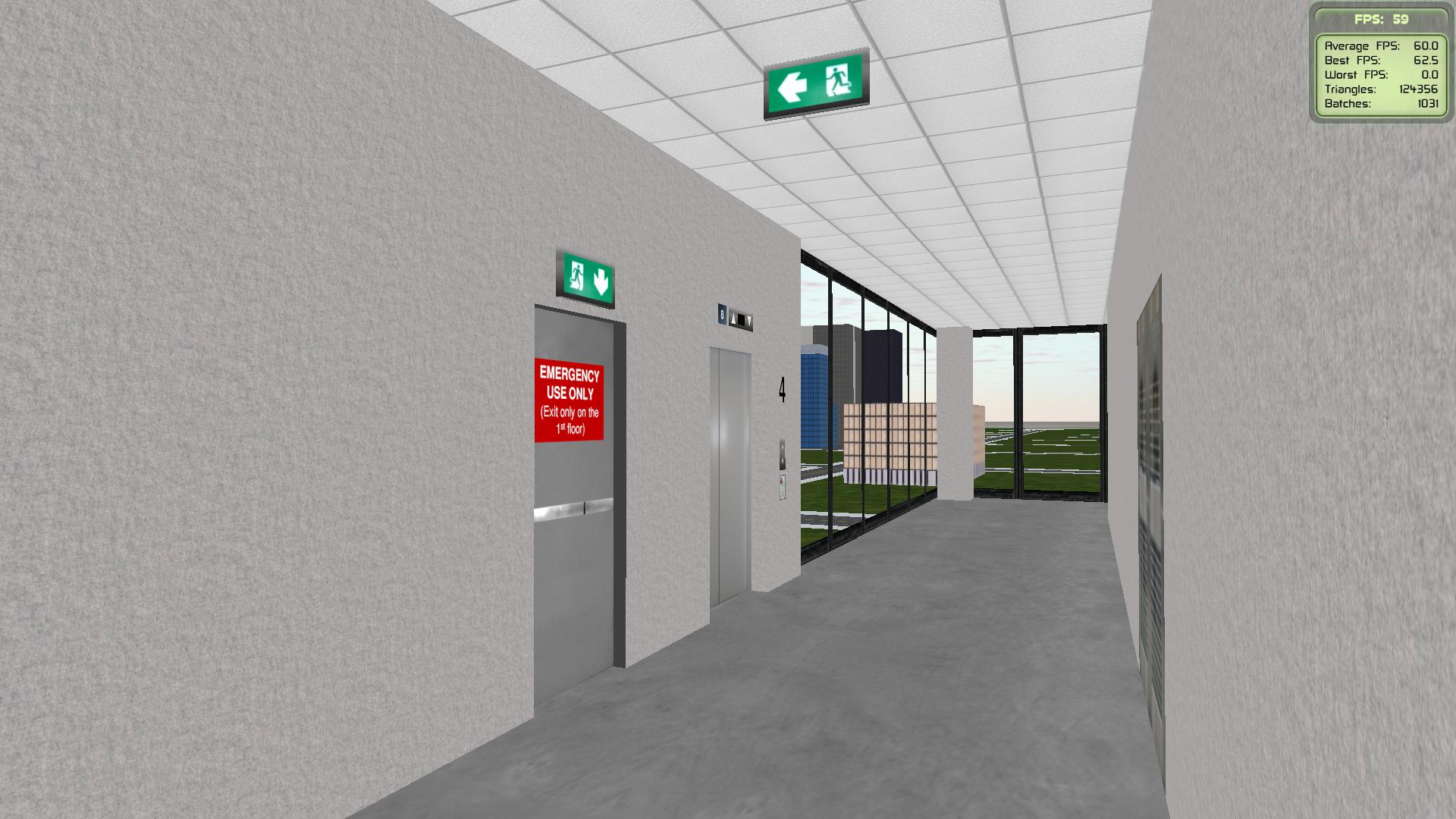
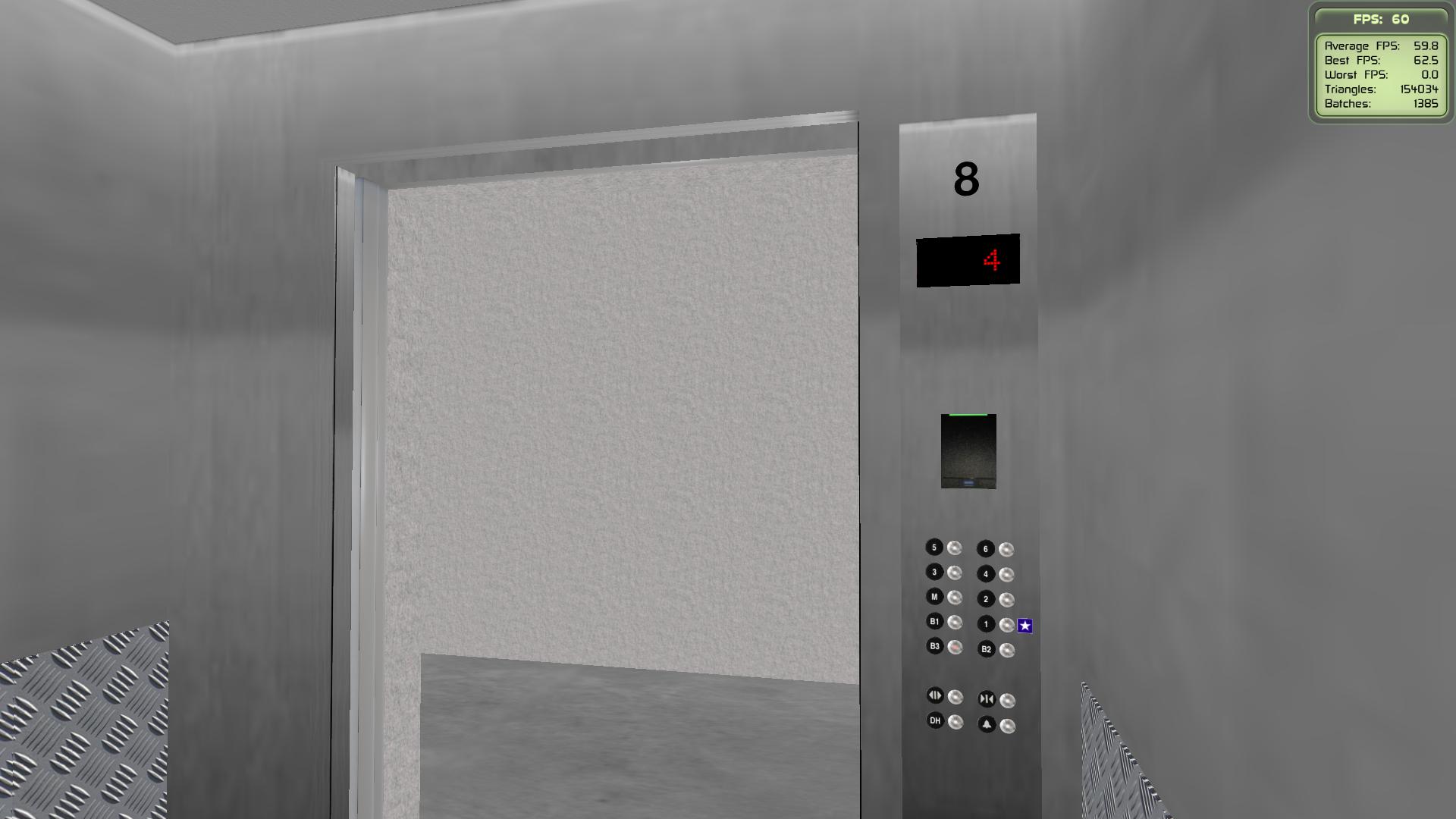
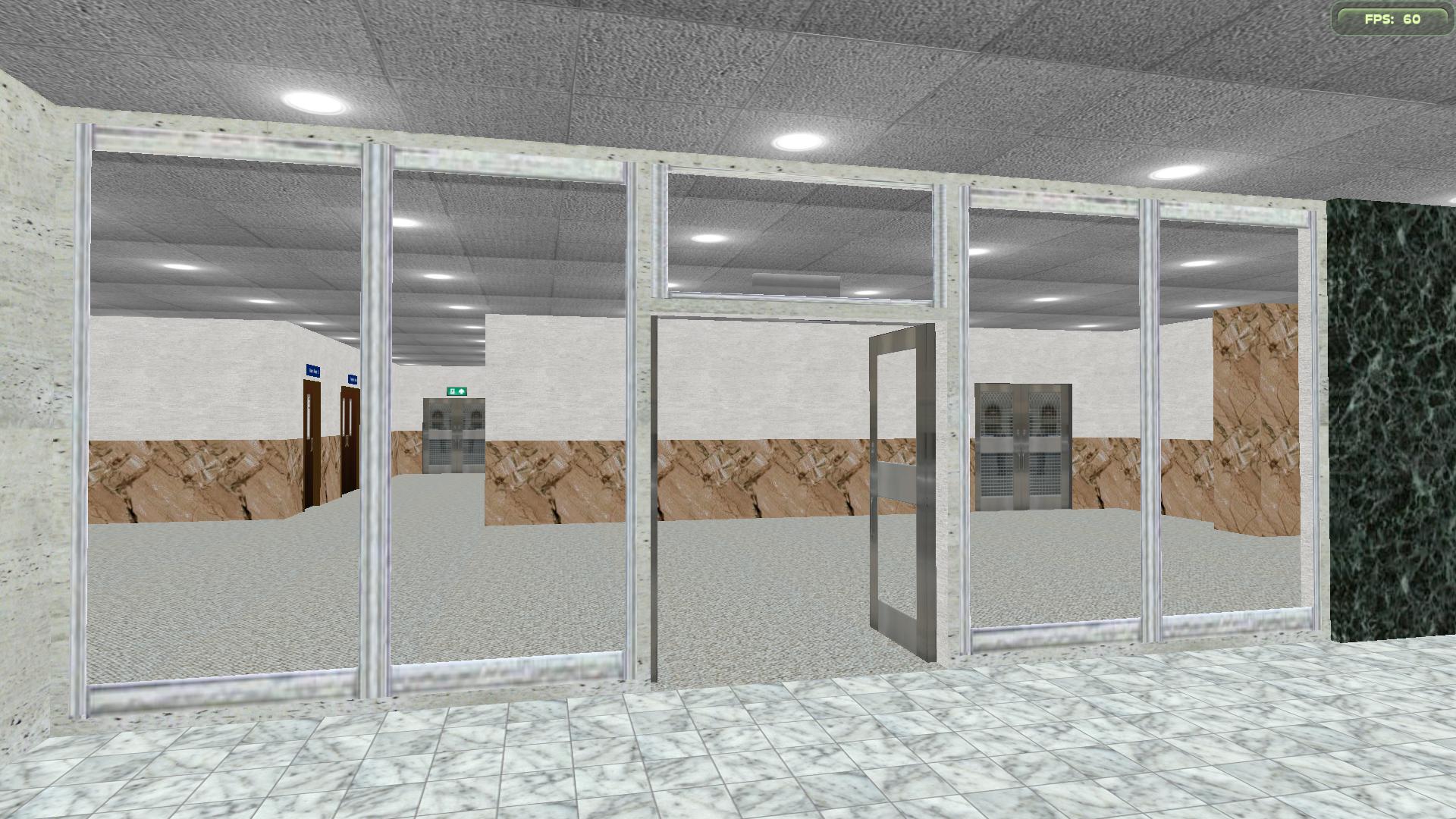
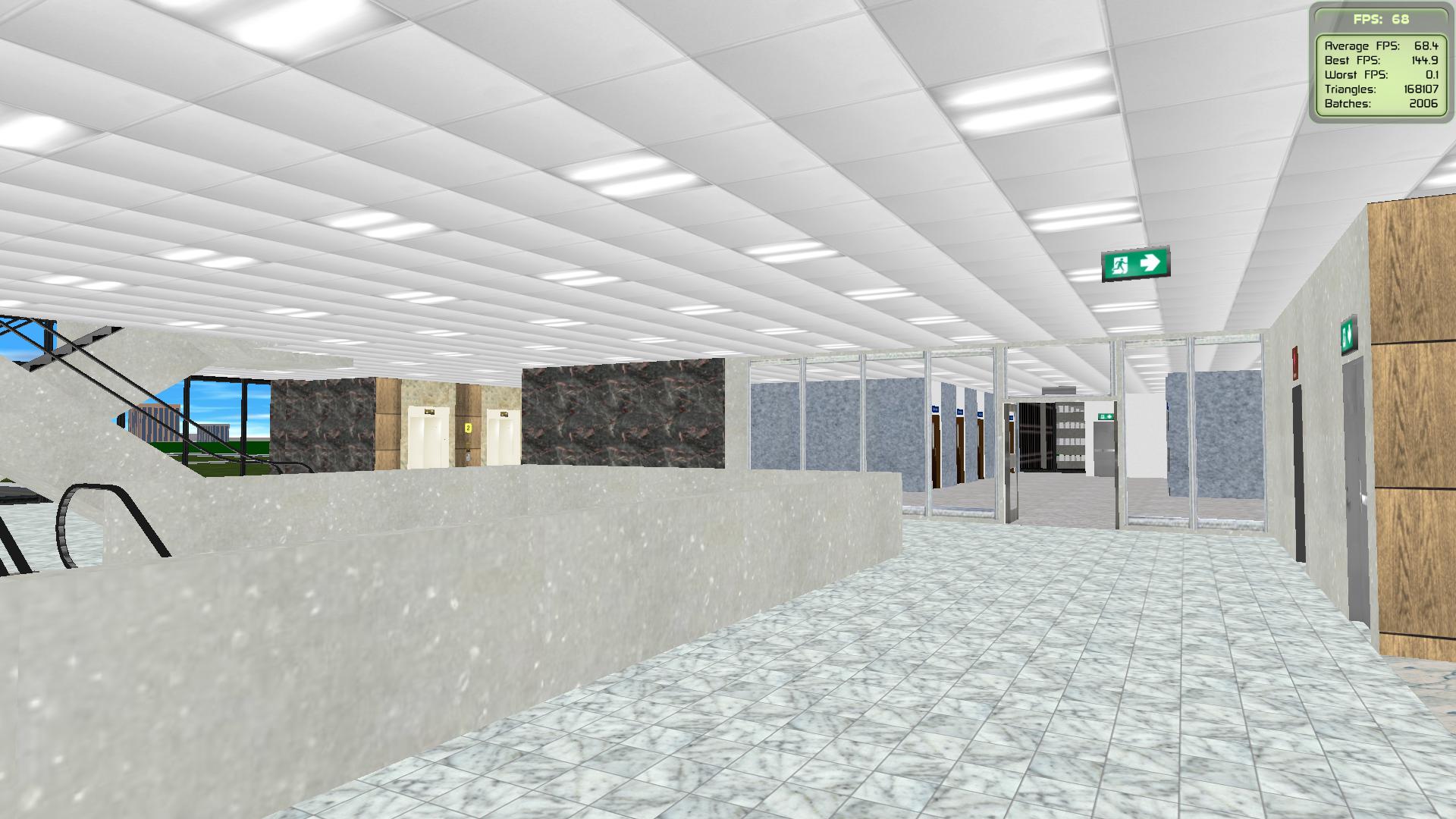
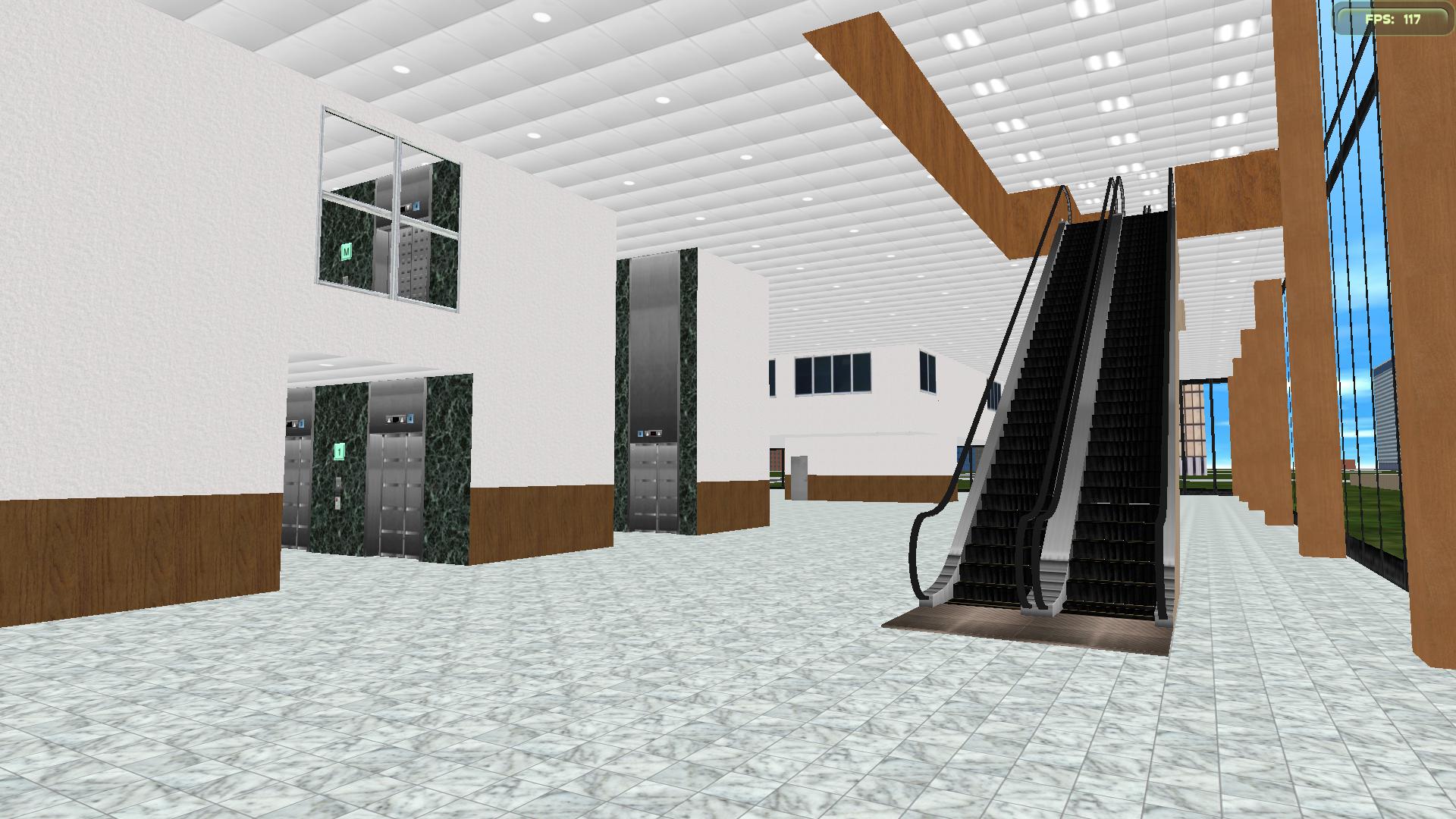
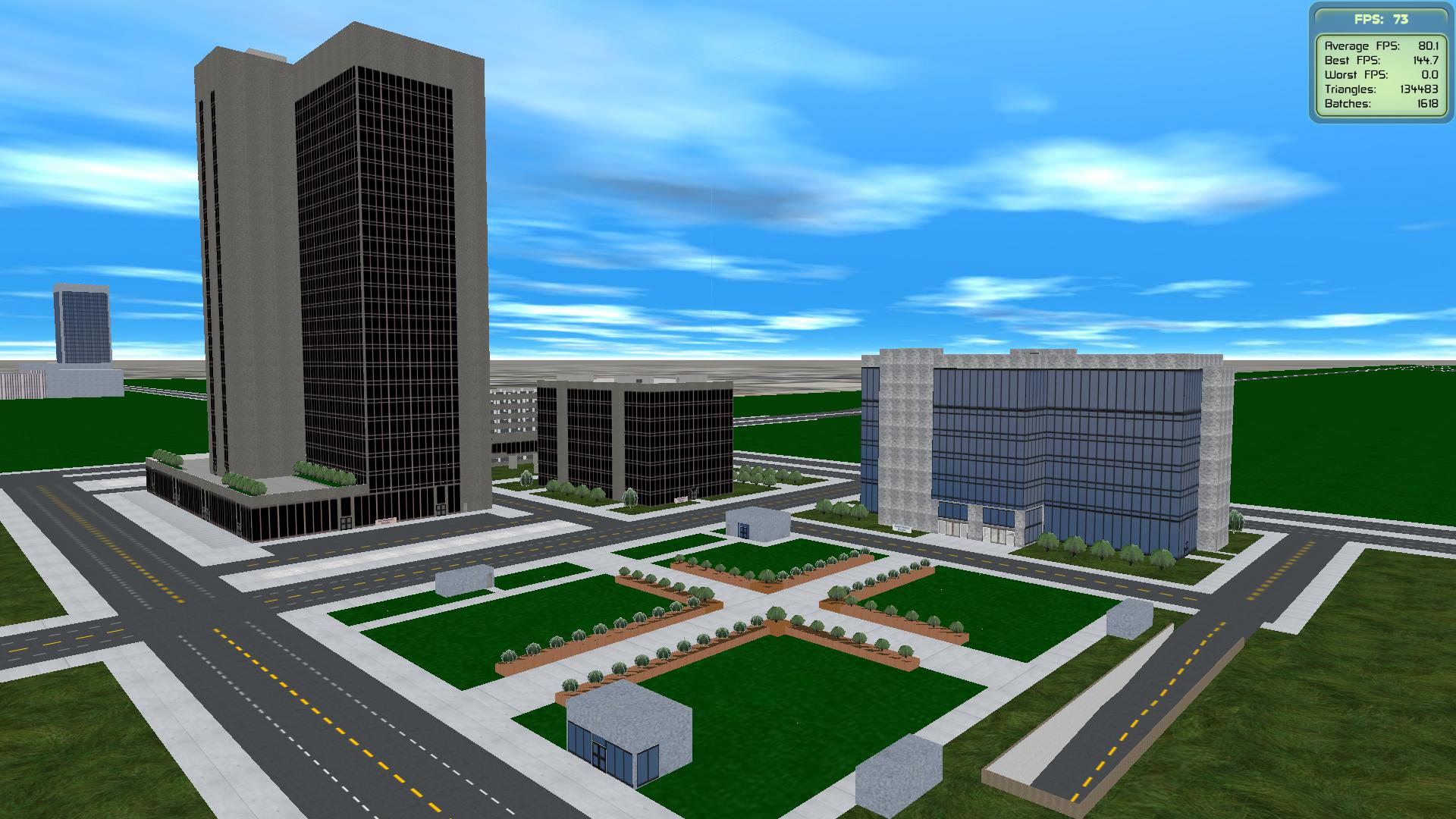
Introducing Point Square Dublin Point Square Dublin is a massive scale, seven storey over triple basement mixed use building located in Dublin's international financial district on the North Dock. It is one of the largest single buildings ever constructed in Ireland and features the 4 star Gibson Hotel, 7 floors of commercial office space principally tenanted by Yahoo and Verizon, a small shopping centre anchored by a Dunnes Stores supermarket and Odeon cinema and a three storey basement car park. All of the lifts are KONE. *snip*
Nice to see you here again. Seeing the screenshots from Blanchardstown Centre (especially the third and fourth ones) make me think that they were real photos. I hope to install this new update on my desktop PC so that everything can load fine. (Yes, running Skyscraper on my laptop is not feasible anymore.)
More updates in DRH's eastern side (21 December 2025) 1. Pacific Heights Building After having moved and resized many external and internal components, service hallways were added to this building, with a service elevator installed at the west and east ends. This means there are now eight elevators here. The only disadvantage of this change would be a lack of outside view from the departments on the 2nd-5th floors (except for the waiting area of the eastern side departments), but this new layout allows various items to be delivered to the departments in this building without interfering with general people's passages.
I also decided to have every department in this building use the "upper and lower walls" design (instead of the "decos on walls"), as recently seen in the Diamond Heart Building. Notice some doors leading to the new service areas.
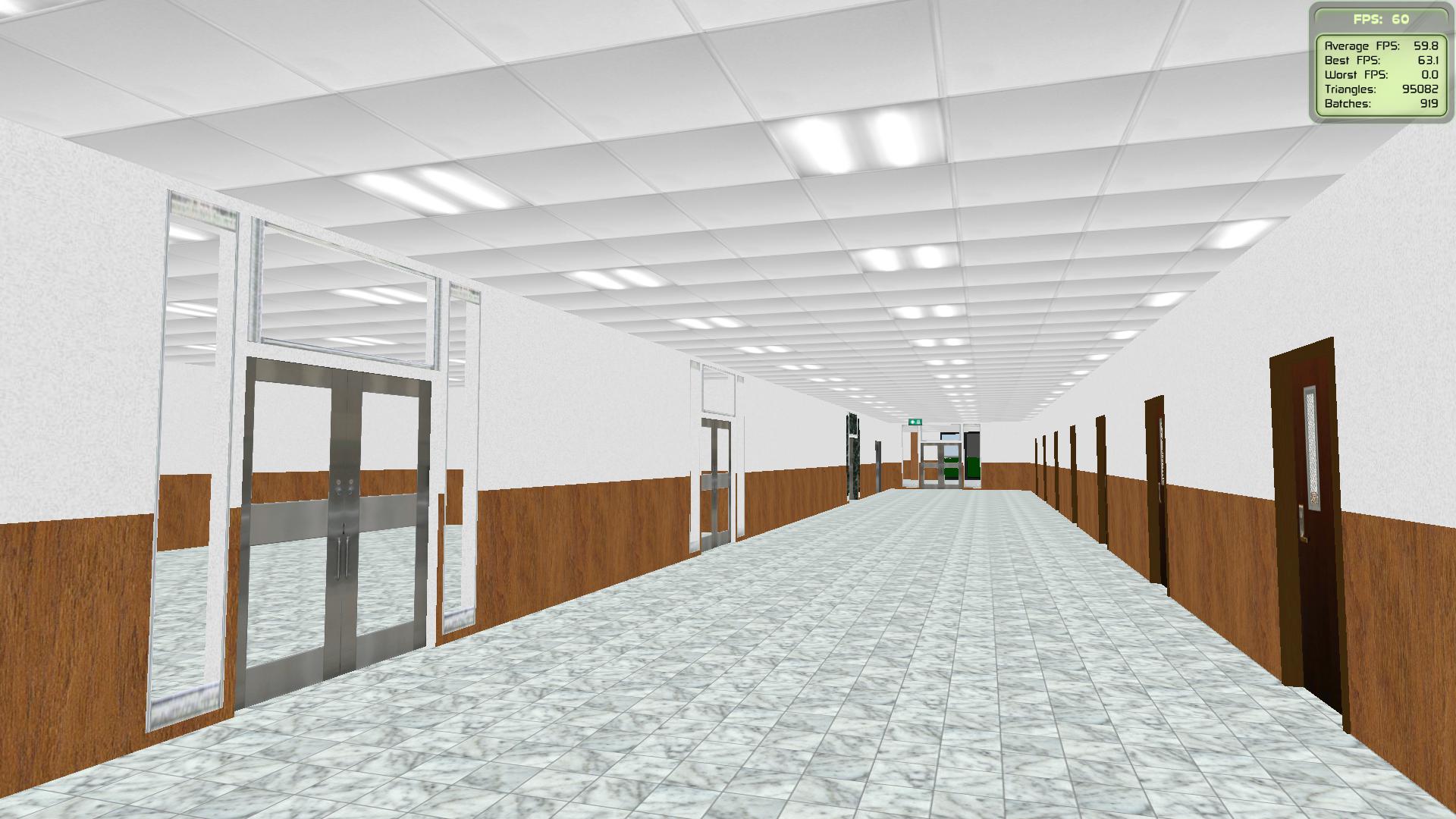
2. Diamond Heart Building Major hallways and rooms have been created on the 2nd-3rd floors. You can imagine what each room's purpose will be, but there will be something different on these floors' southeastern side.
For the 1st floor, there are now some walls and doors dividing the west and east sides. I will need to find a perfect spot to place escalators or stairs to the mezzanine later on.
Quote
was hoping to get a 40-70 level residential tower... loving the work that has gone into DRH,and always excited for new designs... // That's a neat layout, actually.
1. Neat! What elevators does it have...? 2. Will this version of DRH also work on the 2,1 Alpha version? I have looked at all versions of DRH...
1. It features ThyssenKrupp elevators with different vandal resistant buttons. 2. This new update with the underground parking garage should run on any recent build as long as you have a good computer. However, as reported here, some parts of the landscape may disappear due to the changes in cutting outside each building's boundary.
Quote
1. This is a really beautiful project. I was particularly impressed by the underground car park. 2. I noticed a small error: there is a large gap in the ramps of the underground car park that I can fall through. It is located above the ramps.
1. Thanks again for the usual! 2. This issue is likely caused by the changes in cutting that was made after the Planet feature's debut. Interestingly, it affects only the underground ramps, as the ramps in the original parking garage (on the northwestern side) are still created completely. I could change the cutting values and see if the gaps will be removed or not. Otherwise, I might have to edit the code to use "Cut external" before creating the ramps in another floor section, instead of using "CutAll" in the floor section immediately before creating the ramps.
You might want to try using RC5 and see if the ramps will be created as intended or not.
Edit: I managed to fix the issues with the gaps in the underground ramps. The fixed building files can be downloaded here (or download only the fixed "Pacific Heights PG" from this page).
Patch (7.30 MB) (REQUIRES having the 8 September 2025 release installed)
Installation instructions
Click on a desired link above and download the file to your preferred folder.
Open the downloaded file in your desired program (such as 7-Zip), then open the folder with the same name as the archive.
If done correctly, you should see the "buildings", "data", and other script folders.
Select ALL listed folders inside and copy them to your Skyscraper root folder, replacing all files when prompted.
Release overview After a three-month hiatus, I finally have some time to work on my buildings again! I thought I would stop briefly and pack for this new release, which features two more buildings on the eastern side of Denver Remston Hospital.
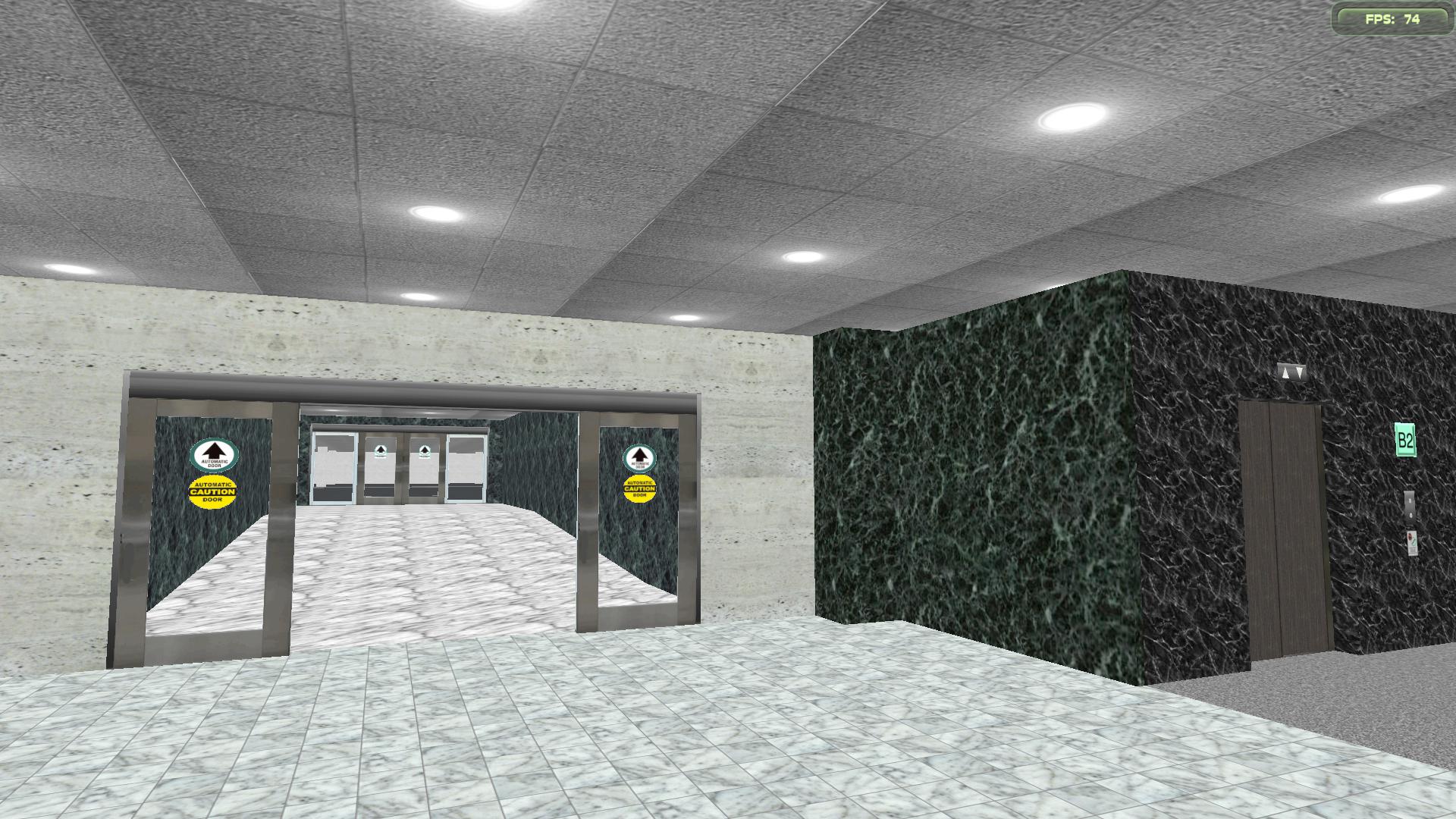
1. Pacific Heights Parking Garage This is a 5-story underground parking garage with plenty of parking spaces, four stairwells in each quadrant, and two elevator banks at the northwest and southeast corners. This new garage is connected to the Pacific Heights Building on levels B1 and B2, which is a good lifesaver on sunny or rainy days.
Let's see where the two buildings link together on B2...
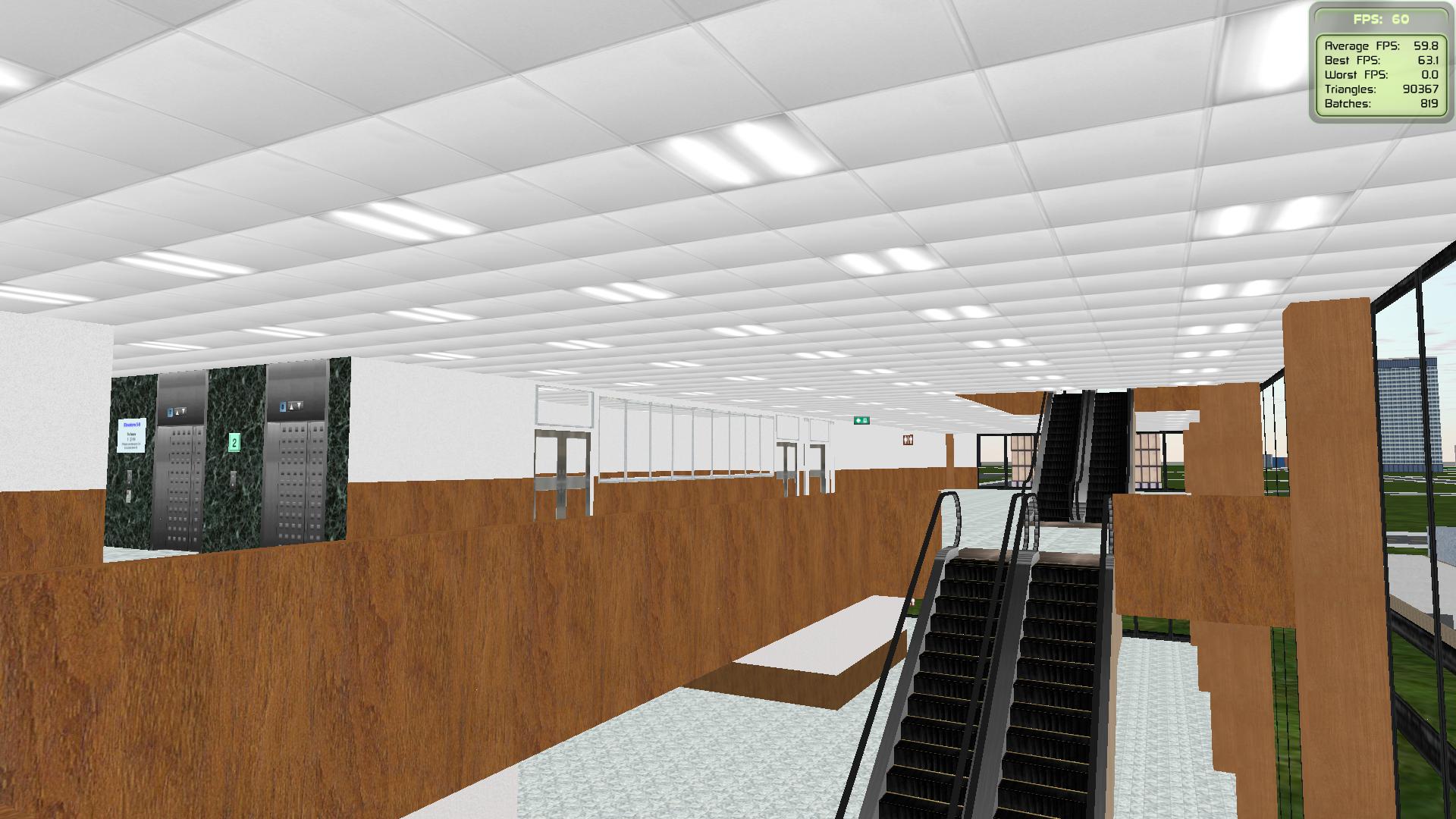
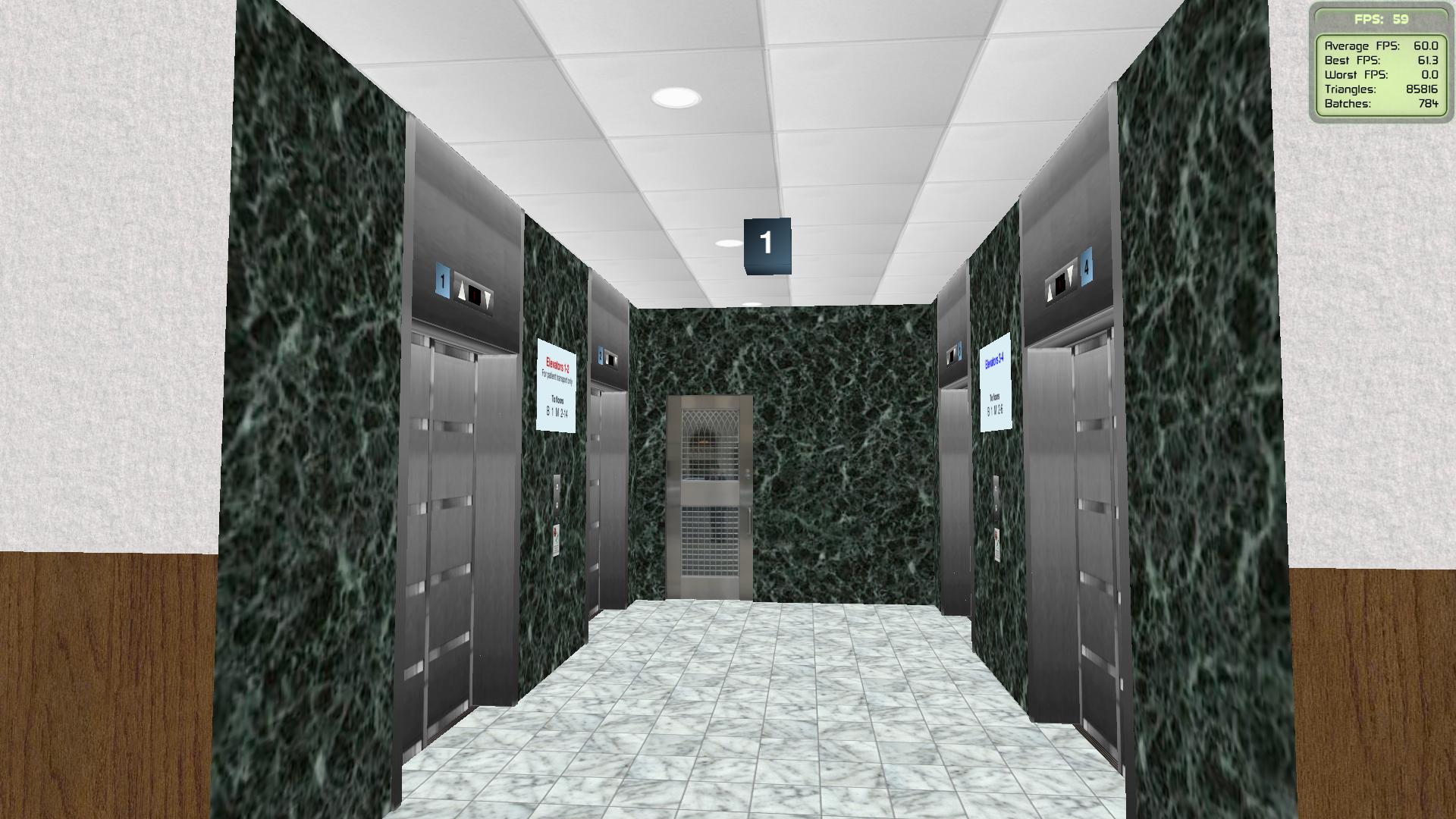
2. Diamond Heart Building Spanning 14 floors with a mechanical penthouse on its top, this edifice will house different facilities that cannot fit in the hospital's other buildings. Currently, the only way to enter this building is through the automatic doors on the west side, but more doors will come as I continue working on. There is currently not much to see inside (no rooms have been created yet; please use your imagination for now), but all ten elevators and two core stairwells have been installed, with four escalators linking the 1st-3rd floors together.
Let's see the current look of this building's lobby, with the "marble walls" being restricted to the elevator halls only (instead of being used by all walls like before).
Pacific Heights Parking Garage: A recent addition in Denver Remston Hospital A missing jigsaw puzzle south of the Pacific Heights Building has been revealed! Upon going underground, there are ramps along the east-west direction that links the parking levels together. This new garage can be loaded either by itself, along with the Pacific Heights Building, or with the entire hospital. Above this garage is a garden with paths linking the hospital's original area with the eastern expansion. Let's see the current state of the garden, with the parking access ramps briefly visible...
Are the doors supposed to look like this? Also the door on the left appear to be from a mod since there seem to be 2 drop key holes.
The door textures in the "EG881_Otis" folder were updated in Build 17. You might want to copy and replace them all again so that both the left and right doors (as well as the door trims) look the intended way.
Mn10 Integration Project (Minimum required RAM: 32 GB) Users with less amount of RAM are advised to load only an individual building in an Engine Context complex, to prevent the simulator from freezing.
As the landscape cutting issue has been fixed, my buildings should run fine on the September 24, 2025 build. However, if anything breaks unexpectedly, you might wish to revert to either RC4 or RC5. (You might want to have a separate installation of Skyscraper for buildings that worked fine on an older build, regardless of their creators). Available releases
In the picture below from Denver Remston Hospital, the parking garage's driveway isn't visible at all, while the edge of the sidewalk west of San Francisco Building (in the red edge) has disappeared.
Sorry for double-posting...
Still in DRH, the two driveways at each end of Pacific Heights Building's access road also aren't seen in the simulator. Comparing to this image should help identify the missing pieces.
I'm glad to see that the filler walls are working properly again. However, is it possible to add a setting to revert landscape cutting to the method that was used before the implementation of Solar System and Earth? It seems that the new behavior also cut the sloping floors at certain buildings' boundary, as well as some floors' edges along their thickness. In the past build, such floors wouldn't be cut if I set the CutLandscapes command in the Buildings section to "false."
In the picture below from Denver Remston Hospital, the parking garage's driveway isn't visible at all, while the edge of the sidewalk west of San Francisco Building (in the red edge) has disappeared.
Introducing Pyramid Plaza Built with Direction and Magnitude
Pyramid Plaza is the largest Pyramid built in Skyscrapersim offering a unique design with great amounts of space. With 60 stories and millions of square footage of space, over 50 elevators are needed for vertical transportation throughout Pyramid Plaza. Pyramid Plaza has the largest collection of Montgomery Vector Elevators of all time! ...
This will be a nice addition to your IP as always!
 Home
Home Search
 Contact
 Login
Login Register
 Show Posts